160 7-Seg 'Tiny Tapeout' Display
160 : 7-Seg 'Tiny Tapeout' Display
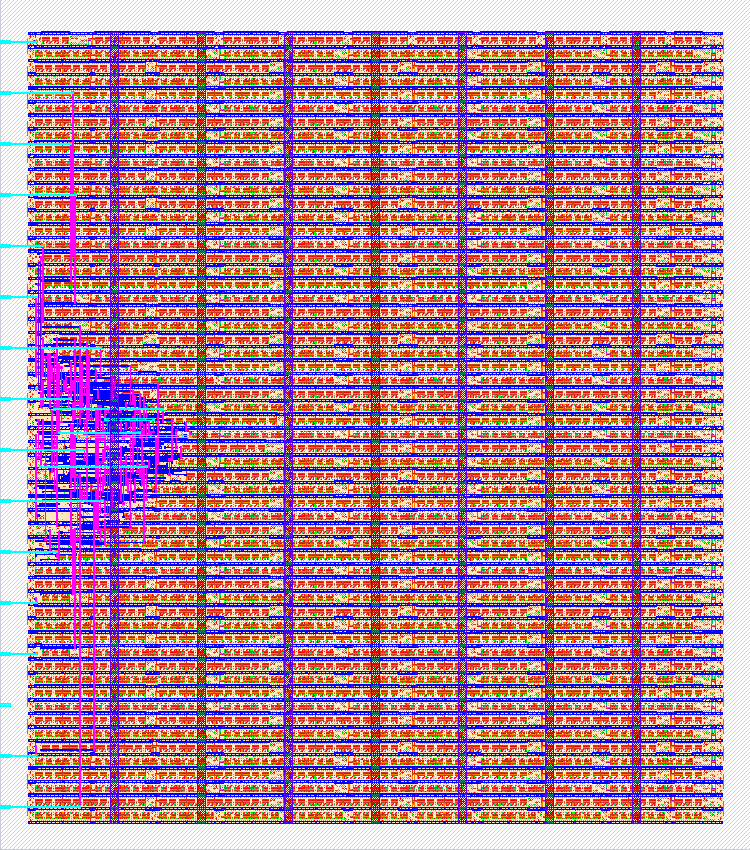
- Author: Tiny Tapeout 02 (J. Rosenthal)
- Description: This circuit will output a string of characters (’tiny tapeout’) to the 7-segment display.
- GitHub repository
- Open in 3D viewer
- Open in Tiny Tapeout Explorer
- Clock: 1 Hz
How it works
The logic to light the characters appears in the bottom half of the simulation window. The top half of the simulation window implements a modulo-11 counter. In other words, the counter increments up to 11 then resets. This counter is used to determine which character we should output to the 7-segment display. The truth table for the design can be found in the Design Spreadsheet: https://docs.google.com/spreadsheets/d/1-h9pBYtuxv6su2EC8qBc6nX_JqHXks6Gx5nmHFQh_30/edit
How to test
Simply turn on and watch the characters on the 7-segment display. If needed, flip Input[1] (zero-indexed) ON to reset the state machine counter.
External hardware
None
IO
| # | Input | Output |
|---|---|---|
| 0 | clock | segment a |
| 1 | Reset Counter | segment b |
| 2 | N/A | segment c |
| 3 | Clock Disable (Test Mode) | segment d |
| 4 | Test Logic A | segment e |
| 5 | Test Logic B | segment f |
| 6 | Test Logic C | segment g |
| 7 | Test Logic D | N/A |