199 100Mpbs 3 port Ethernet switch
199 : 100Mpbs 3 port Ethernet switch
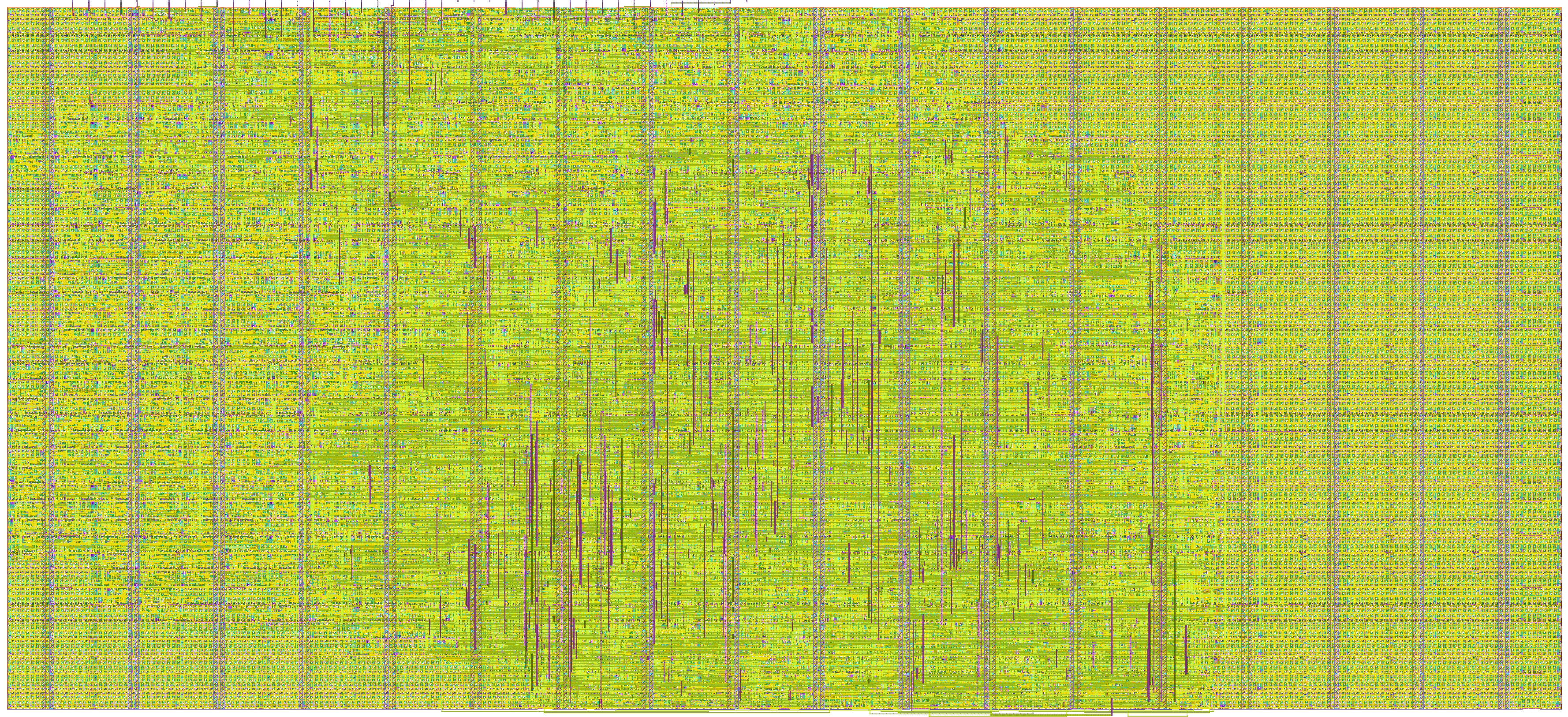
- Author: Julia Desmazes
- Description: Unmanaged cut-though 3 port 100Mbps ethernet switch
- GitHub repository
- Open in 3D viewer
- Open in Tiny Tapeout Explorer
- Clock: 50000000 Hz
3 port cut-through 100Mbps ethernet switch ASIC targetting the Global Foundary 180nm MCU node.
Overview
This is an simple 3-port unmanaged 100Mbps Ethernet Switch, just plug in the ethernet and let it route packets.
Packets will be routed
based on there mac addresses and the switch will keep track of
the addresses of the devices connected to each port by tracking the
source address field in the ethernet frame header of incomming ethernet packets.
Setup
Connect the 3 RMII PHY interfaces to RMII compliant PHY chips such as the LAN8720A, all the PHYs and the ASIC should be using the same external 50MHz reference clock.
If your PHY board doesn't expose the rx_err signal connect tie the pins to ground.
Similarly to the Ethernet accelerator wrapper ASIC project,
this ASIC features a tx_phase signal to select the phase shift between the ASIC internal reference
clock on the tx output data clock.
This dephasing configuration is captured during reset depending on the state of the tx_phase pin.
Values:
0no phase shift1180 degree phase shift
A link to a test PCB design will be provided at a later date.
Testing
One the ASIC has been connected to the PHY and one ethernet port is connected to your computer and the other is connected to another piece of networking equipement connected to the internet like a router or another switch, try pining google servers to quickly confirm traffic is being routed through the switch.
In your computer's terminal:
ping -I <wire_ethernet_interface> 8.8.8.8
Expected behavior:
ping -I enp2s0 8.8.8.8
PING 8.8.8.8 (8.8.8.8) from 192.168.0.119 enp2s0: 56(84) bytes of data.
64 bytes from 8.8.8.8: icmp_seq=1 ttl=116 time=23.7 ms
64 bytes from 8.8.8.8: icmp_seq=2 ttl=116 time=18.9 ms
64 bytes from 8.8.8.8: icmp_seq=3 ttl=116 time=21.1 ms
^C
--- 8.8.8.8 ping statistics ---
3 packets transmitted, 3 received, 0% packet loss, time 2003ms
rtt min/avg/max/mdev = 18.872/21.242/23.730/1.985 ms
Diagnosing issues
If you're ping is not going through you can start by checking if packets are being received by your
computer over your wired interface using ethtool:
sudo ethtool -S <wired_ethernet_interface>
Example output :
sudo ethtool -S enp2s0
NIC statistics:
     tx_packets: 549079
     rx_packets: 433146 <-----
     tx_errors: 0
     rx_errors: 4106 <----
     rx_missed: 0
     align_errors: 1370
     tx_single_collisions: 0
     tx_multi_collisions: 0
     unicast: 427139
     broadcast: 1090
     multicast: 4917
     tx_aborted: 0
     tx_underrun: 0
External hardware
Ethernet 100BASE-T Pmod connector:
- 3x100Mbps RMII compliant PHYs (LAN8720A)
- 1x50MHz oscillator
IO
| # | Input | Output | Bidirectional |
|---|---|---|---|
| 0 | phy0_rx_data[0] | phy0_tx_data[0] | phy2_rx_data[0] |
| 1 | phy0_rx_data[1] | phy0_tx_data[1] | phy2_rx_data[1] |
| 2 | phy0_rx_v | phy0_tx_v | phy2_rx_v |
| 3 | phy0_rx_err | phy2_rx_err | |
| 4 | phy1_rx_data[0] | tx_phase | |
| 5 | phy1_rx_data[1] | phy1_tx_data[0] | phy2_tx_data[0] |
| 6 | phy1_rx_v | phy1_tx_data[1] | phy2_tx_data[1] |
| 7 | phy1_rx_err | phy1_tx_v | phy2_tx_v |