226 VGA Screensaver with the IHP Logo
226 : VGA Screensaver with the IHP Logo
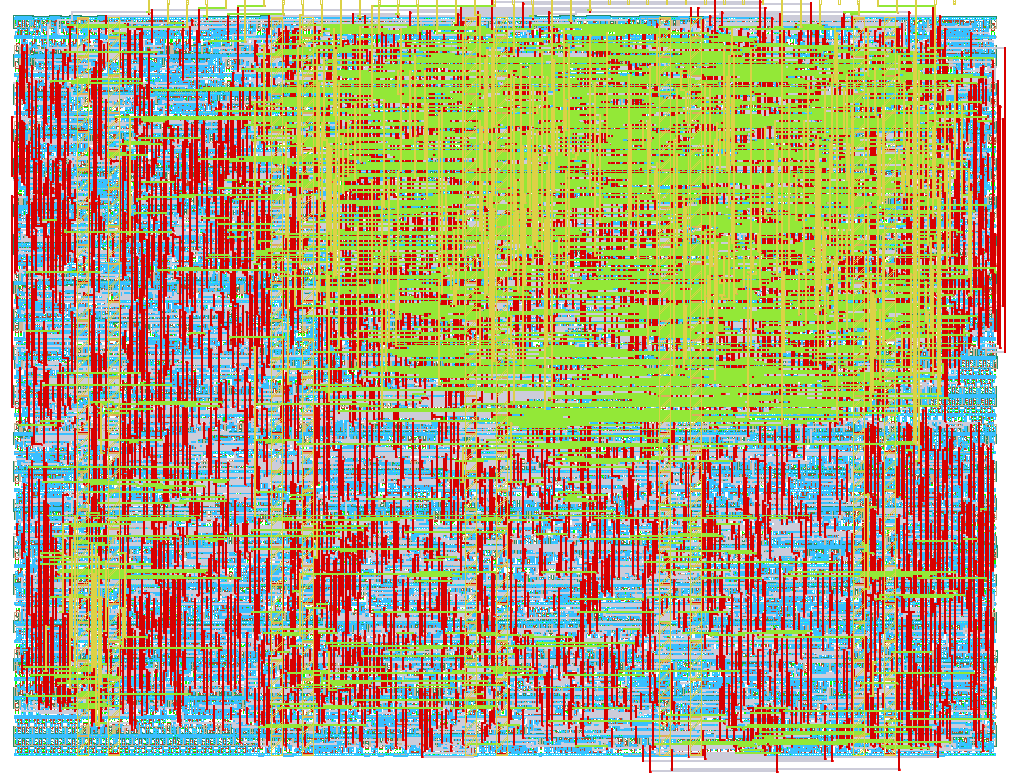
- Author: Uri Shaked
- Description: IHP Logo bouncing around the screen (640x480, TinyVGA Pmod)
- GitHub repository
- Open in 3D viewer
- Open in Tiny Tapeout Explorer
- Open in VGA Playground
- Clock: 25175000 Hz
How it works
Displays a bouncing IHP logo on the screen, with animated color gradient.

How to test
Connect to a VGA monitor. Set the following inputs to configure the design:
tile(ui_in[0]) to repeat the logo and tile it across the screen,solid_color(ui_in[1]) to use a solid color instead of an animated gradient.white_background(ui_in[2]) to use a white background instead of a black one.
If you have a Gamepad Pmod connected, you can also use the following controls:
- Start button: start/pause bouncing
- Left/right/up/down: change the bouncing direction (if bouncing) or move the logo around the screen (if paused)
External hardware
- Tiny VGA Pmod
- Optional: Gamepad Pmod
IO
| # | Input | Output | Bidirectional |
|---|---|---|---|
| 0 | tile | R1 | |
| 1 | solid_color | G1 | |
| 2 | white_bg | B1 | |
| 3 | VSync | ||
| 4 | gamepad_latch | R0 | |
| 5 | gamepad_clk | G0 | |
| 6 | gamepad_data | B0 | |
| 7 | HSync |