704 Tiny Canvas
704 : Tiny Canvas
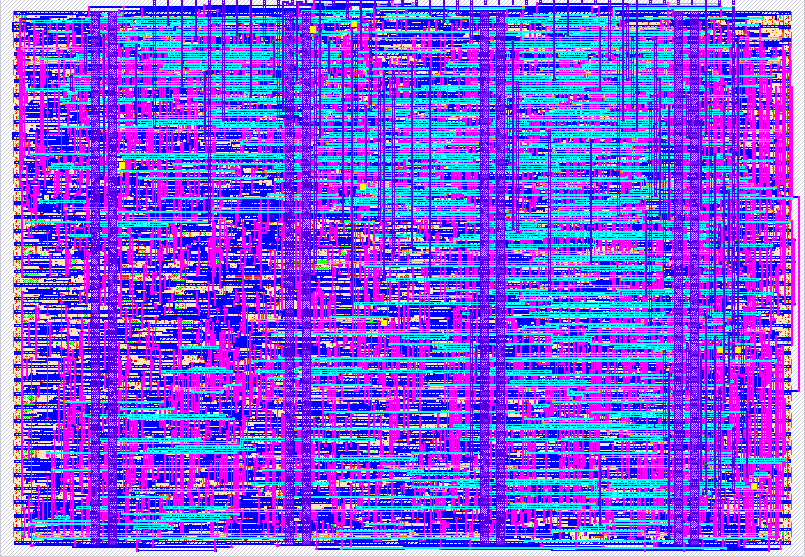
- Author: Armita Bhatti & Ahmad Jamous
- Description: MS Paint-style drawing tool with gamepad control, RGB color mixing, variable brush sizes, symmetry modes, fill rectangle, and I2C output
- GitHub repository
- Open in 3D viewer
- Open in Tiny Tapeout Explorer
- Clock: 0 Hz
How it works
Tiny Canvas is a hardware implementation of an MS Paint-style drawing application. It receives input from an SNES-compatible gamepad controller via the Gamepad PMOD and streams canvas coordinates and color data over I2C to a host device.
Core Functionality
Color Mixing: The A, Y, and X buttons toggle Red, Green, and Blue color channels respectively. These combine additively to produce 8 colors:
- R+G = Yellow, R+B = Magenta, G+B = Cyan, R+G+B = White
- When no color is selected, the cursor moves without painting
Brush Controls:
- L/R shoulder buttons adjust brush size from 1×1 to 8×8 pixels
- Start button cycles through symmetry modes: Off → Horizontal → Vertical → 4-Way
Fill Rectangle: Select button toggles fill mode. Press B to set corner A, move cursor, press B again to set corner B and fill the rectangle.
Undo/Redo: L+R together undoes, Select+Start together redoes (4-operation buffer).
Architecture
The design consists of modular Verilog components:
gamepad_pmod_single: Decodes SNES controller serial protocolcolour: RGB mixing logic with smart paint-enableposition: 8-bit X/Y cursor trackingbrush_settings: Size (0-7) and symmetry mode (0-3) controlpacket_generator: Expands single pixels to brush footprint with symmetryfill_mode/fill_draw: Fill rectangle state machine and pixel generatorundo_redo: 4-entry circular buffer for undo/redo operationsi2c_slave: Read-only I2C slave at address 0x64
I2C Protocol
Reading 3 bytes from address 0x64 returns:
| Byte | Content |
|---|---|
| 0 | X position (0-255) |
| 1 | Y position (0-255) |
| 2 | Status: [7:4]=D-pad, [3]=BrushMode, [2:0]=RGB |
How to test
Using the Interactive Emulator
- Install dependencies:
pip install pygame cocotb - Run the emulator:
python test/interactive_emulator.py - Use keyboard controls:
- Arrow keys: Move cursor
- R/G/B: Toggle color channels
- +/-: Adjust brush size
- S: Cycle symmetry mode
- F: Toggle fill mode
- Space: Set fill corner
- Z/Y: Undo/Redo
On Hardware
- Connect the Gamepad PMOD to
ui[0:2](data, clock, latch) - Connect I2C: SDA to
uio[1], SCL touio[2] - Poll the I2C slave at address
0x64to read canvas state - Use controller buttons as documented to draw
Running Cocotb Tests
cd test
make
External hardware
Required:
- Gamepad PMOD - SNES controller interface
- SNES-compatible game controller
For canvas display:
- I2C master device (e.g., RP2040 on the Tiny Tapeout demoboard)
- Display or computer running host software to render the canvas
The I2C interface streams X, Y, and color data at each paint event, allowing a host device to render the 256×256 canvas in real-time.
IO
| # | Input | Output | Bidirectional |
|---|---|---|---|
| 0 | i2c_state[0] | ||
| 1 | i2c_state[1] | SDA | |
| 2 | i2c_state[2] | SCL | |
| 3 | |||
| 4 | pmod_latch | ||
| 5 | pmod_clk | ||
| 6 | pmod_data | ||
| 7 |