292 Speck-V SoC
292 : Speck-V SoC
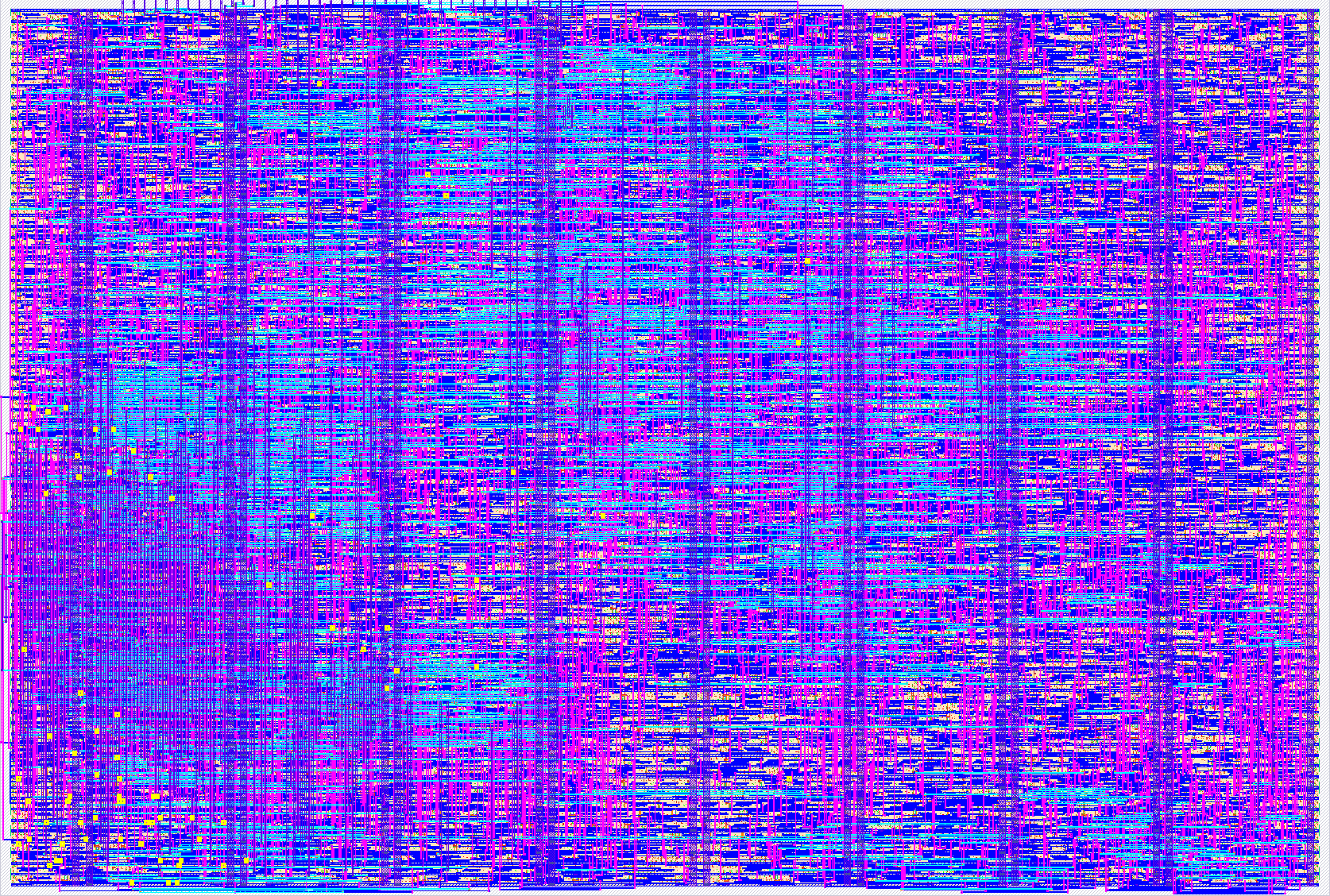
- Author: huyatieo
- Description: A TinyQV SoC featuring Custom ISA Extensions for SPECK-ARX Lightweight Crypto
- GitHub repository
- Open in 3D viewer
- Open in Tiny Tapeout Explorer
- Clock: 64000000 Hz
TinyQV SoC - Speck Hardware Accelerated Edition
Project: tt_um_huyatieo_tinyqv_speck
This design is based on the TinyQV RISC-V (RV32EC) soft-core microcontroller, featuring Custom Hardware Instructions specifically designed to accelerate the Speck64/128 lightweight block cipher algorithm at the bare-metal level.
1. Custom ISA Extensions (Hardware Acceleration)
The custom hardware acceleration RTL fits perfectly within the standard 2x2 tile. The ALU and instruction decoder have been modified to support two custom RISC-V instructions.
Both instructions use the standard R-Type Format mapped to the Custom-0 opcode space (0x0B). You can easily invoke them in standard GCC assembly using the .insn R directive. Note that Funct7 is safely ignored by the hardware decoder and can be set to 0.
1. specksum rd rs1 rs2 (Custom Rotate Right 8 bit & Add )
- Hardware Operation:
rd = (rs1 ROR 8) + rs2 - Encoding:
Opcode: 0x0B|Funct3: 0b000|Funct7: 0b0000000 - Assembly Macro:
.macro specksum rd, rs1, rs2
    .insn R 0x0B, 0, 0, \rd, \rs1, \rs2
.endm
2. speckxor rd rs1 rs2 (Custom Rotate Left 3 bit & Xor)
- Hardware Operation:
rd = (rs1 ROL 3) ^ rs2 - Encoding:
Opcode: 0x0B|Funct3: 0b001|Funct7: 0b0000000 - Assembly Macro:
.macro speckxor rd, rs1, rs2
    .insn R 0x0B, 1, 0, \rd, \rs1, \rs2
.endm
By utilizing these custom instructions, the execution time for the Speck round function and Key Schedule is significantly reduced, maximizing cryptographic throughput.
2. Register Map & Usage Guidelines
TinyQV implements the RV32EC instruction set, providing 16 general-purpose registers (x0 to x15).
AWARE: When writing bare-metal Assembly or C code for this core, you must avoid using the following two registers for general calculations, as they are permanently hardwired by the hardware:
x3(gp): Hardcoded to0x1000400x4(tp): Hardcoded to0x8000000(Used as the base address for memory-mapped I/O like UART and SPI).
NSA Standard Test Vector (Reference)
If you are implementing the Speck64/128 algorithm on this core, verify your execution against the official NSA Test Vector:
- Key:
1b1a1918 13121110 0b0a0908 03020100 - Plaintext:
3b726574 7475432d - Expected Ciphertext:
8c6fa548 454e028b(After 27 rounds).
3. Simulation Guide (Testing with Cocotb)
This project utilizes Cocotb and Icarus Verilog for RTL-level simulation. The test environment simulates the QSPI ROM structure, UART, and the CPU's instruction fetch process.
Environment Requirements
- OS: Ubuntu (24.04 recommended).
- Toolchain:
gcc-riscv64-unknown-elf(for Assembly compilation) and Cocotb Python.
Practical Simulation Steps
Step 1: Compile the Firmware (Assembly to Hex)
The source code written in .S must be compiled and converted into a 1-byte aligned Hex format to be loaded into the simulation block.
riscv64-unknown-elf-gcc -march=rv32ec -mabi=ilp32e -nostdlib -T link.ld firmware.S -o firmware.elf
riscv64-unknown-elf-objcopy -O verilog --verilog-data-width=1 firmware.elf firmware.hex
Step 2: Clear Simulation Cache
Icarus Verilog caches dependency files. When modifying paths or Makefile configurations, delete the old build directory to prevent compilation errors.
rm -rf sim_build/
Step 3: Execute the Make Command
Cocotb will synthesize the module and load the Hex file via the PROG_FILE argument. Must change the make file before running.
make clean
make COCOTB_TESTCASE=test_dump COMPILE_ARGS="-DPROG_FILE=\\\"`pwd`/asm/speck_64128.hex\\\""
Step 4: Verify Results
- Check the Terminal log when the CPU halts to verify the register values.
- Waveform Analysis: Open the generated VCD file using GTKWave to debug instruction fetching and hardware signals:
gtkwave wave_fpga_top.vcd
IO
| # | Input | Output | Bidirectional |
|---|---|---|---|
| 0 | Interrupt 0 | UART TX | Flash CS |
| 1 | Interrupt 1 | UART RTS | SD0 |
| 2 | SPI MISO | SPI DC | SD1 |
| 3 | GP in3 | SPI MOSI | SCK |
| 4 | GP in4 | SPI CS | SD2 |
| 5 | GP in5 | SPI SCK | SD3 |
| 6 | GP in6 | Debug UART TX | RAM A CS |
| 7 | UART RX | Debug signal | RAM B CS |