99 Until heat death do us part
99 : Until heat death do us part
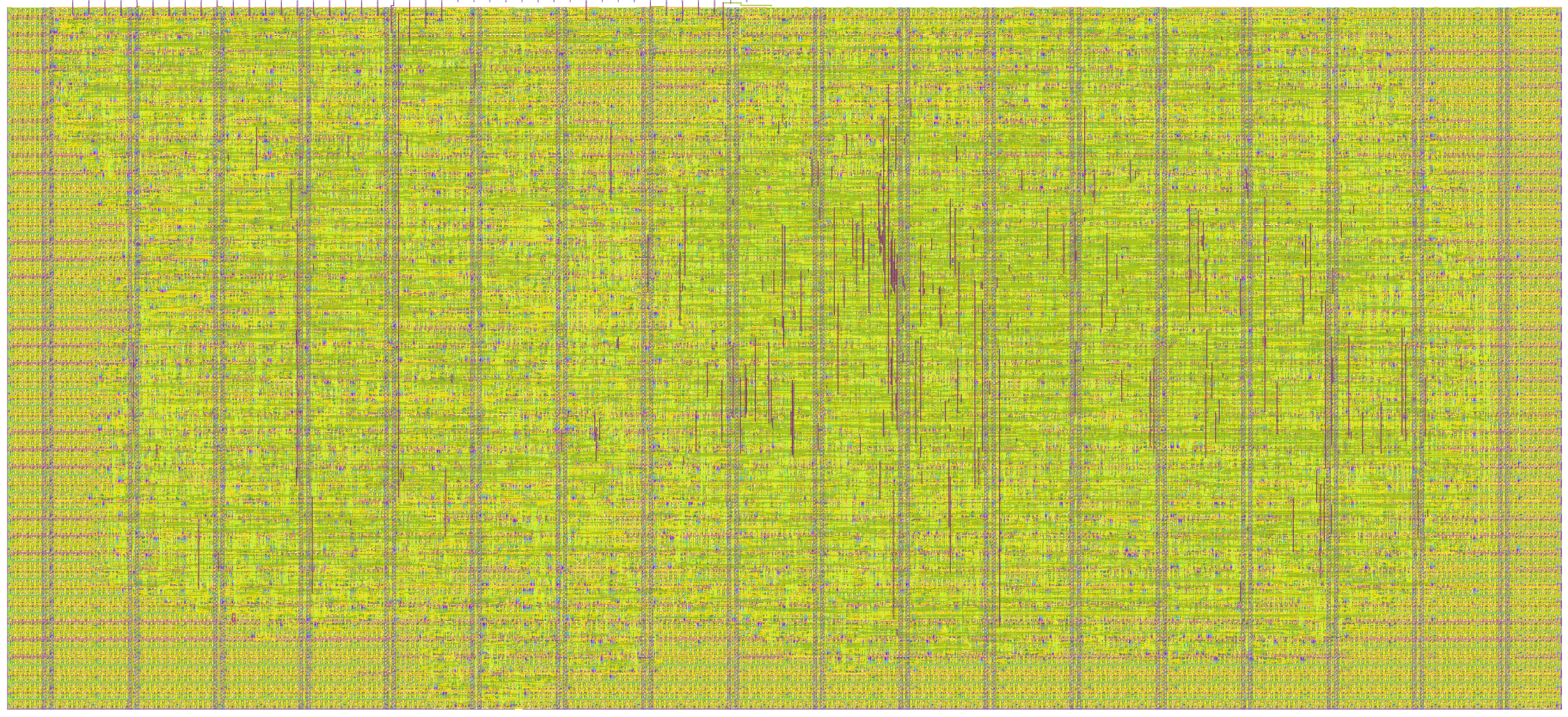
- Author: Julia Desmazes
- Description: Counting until the heat death of the universe, broadcasting counter value every second over ethernet.
- GitHub repository
- Open in 3D viewer
- Open in Tiny Tapeout Explorer
- Clock: 50000000 Hz
ASIC with a large enogth counter to theoretically counts until the heat death of the the universe. Counter value is incremented ever 20ns and every second it will broadcasts an ethernet frame over 100Mbps ethernet with the current counters value, not that anyone is going to be listening for long anyways.
Assuming the universe dies in approximatively $10^{100}$ years. If you are patient enogth to wait until then there is a hidden easter egg when we eventually overflow.
How it works
This project is re-using the Teapot Ethernet accelerator wrapper for communicating over 100Mbps Ethernet using a CAT-3/5 cable in full-duplex mode. Here is to hopeing someone still remeber how to talk Ethernet by then.
Ethernet packets
This wrapper workes with layer 2 ethernet packets, opperating at the level of the ethernet frame. It support two types of packets:
application packets, ethtype = 0x88B5sent by the acceleratorconfiguration packets, ethtype = 0x88B6used to set the ASICs MAC address, Vlan IDentifier, and the TX phase selection
All packets whos destination MAC do not match the ASIC's current MAC address will be filtered out.
Unless otherwise specified the ASIC's MAC address is 00:90:CF:00:BE:EF (read as Nortel:BEEF).
Application packets
The end of the universe counter does not listen to any incomming packets (we are all going to be dead soon anyways) and broadcasts the current counter value every second.
Response
[ dst mac (6 Bytes) FF:FF:FF:FF:FF:FF ][ src mac (6 Bytes) ][ ethtype = 0x88B5 (2 Bytes) ][ magic number = 0xCAFE (2 Bytes) ][ counter (48 Bytes) ][ FCS (4 Bytes) ]
0
Counter values are sent in little endian with a granule size of 1 byte (standard).
Configuration packets
Configuration packets are used to set the ASIC's current:
- MAC address
- Vlan ID
- TX data to clock phase offset
These packets are not forwarded to the accelerator, do not provide any acknoledgement and due to our area limitation are not store and forwarded. Any corrupted packets will result in a corrupted configuration.
Packet:
[ dst mac (6 Bytes) ][ src mac (6 Bytes) ][ ethtype = 0x88B6 (2 Bytes) ][ New MAC (6 Bytes) ][ padding (3 bits)][ VID (12 bits)][ padding (38 Bytes) ][ FCS (4 Bytes) ]
0
Unless otherwise configured application packets use ethertype 0x88B6, the second IEEE 802.3 specified "Local Experimental Ethertype",
whos existence linux networking libraries are unaware of. So trust me: it's real.
Configuration parameters
ASIC's current MAC address, all packets not addressed (dst mac) to this address will be filtered out,
and all responses will use this as the source address.
Default MAC: 00:90:CF:00:BE:EF (read as Nortel:BEEF)
Configuration pins: TX data to reference clock phase offset
To comphensate for the output data to reference clock offset induced by the delay on the path from the clock input pin, to the tiny tapeout design's data out flip-flop and back to the output pin, the reference clock for the data out flip flop is selectable, allowing us to use a 180 degree dephased reference clock.
This dephasing configuration is captured during reset depending on the state of the tx_phase pin.
Values:
0no phase shift1180 degree phase shift
How to test
Connect the ethernet 100Mbps capable connector to the asic, if the connector doesn't
expose a rx_err signal clamp it to gnd.
Cable the ethernet connector to your local network, it doesn't have to be directly
to your computer so long your are in the same local network (layer2 packets can be routed
within it).
The ASIC will autonomously send an application packet (ethtype:0x88b5) every 1s.
Network sniffing tool
Build the packet sender/receiver app in tools:
cd tools
make
To run pass the name of your ethernet interface currently connected to the same LAN as the ASIC. Eg: I am connected though my wifi interface:
sudo ./packet_receiver wlp3s0
Example of the expected output:
[pitchu](master) ~/asic/heat_death/tools >sudo ./packet_receiver wlp3s0
ethernet interface: wlp3s0
wlp3s0 mac address 60:e9:aa:92:dc:7d
asic mac address 00:90:cf:00:be:ef
dst mac ff:ff:ff:ff:ff:ff
src mac 00:90:cf:00:be:ef
ethtype 88b5
counter: 70282575969
counter debug: 0x000000005d2b0061
raw pkt: ffffffffffff0090cf00beef88b5feca61002b5d1000000000000000000000000000000000000000000000000000000000000000000000000000000000000000

dst mac ff:ff:ff:ff:ff:ff
src mac 00:90:cf:00:be:ef
ethtype 88b5
counter: 70332579937
counter debug: 0x0000000060260061
raw pkt: ffffffffffff0090cf00beef88b5feca610026601000000000000000000000000000000000000000000000000000000000000000000000000000000000000000

dst mac ff:ff:ff:ff:ff:ff
src mac 00:90:cf:00:be:ef
ethtype 88b5
counter: 70382583905
counter debug: 0x0000000063210061
raw pkt: ffffffffffff0090cf00beef88b5feca610021631000000000000000000000000000000000000000000000000000000000000000000000000000000000000000

dst mac ff:ff:ff:ff:ff:ff
src mac 00:90:cf:00:be:ef
ethtype 88b5
counter: 70432522337
counter debug: 0x00000000661b0061
raw pkt: ffffffffffff0090cf00beef88b5feca61001b661000000000000000000000000000000000000000000000000000000000000000000000000000000000000000
In case of issues
You can also observe the packets being sent back by sniffing your live traffic via tcpdump:
sudo tcpdump -xx -e -v 'ether proto 0x88b5'
In case issues perciste
In case you still see no traffic.
Directly connect the ethernet cable to your computer and check the ethernet interface exposed low level counters to see if you are seeing traffic on your line.
eg:
sudo ethtool -S enp2s0
External hardware
Ethernet 100BASE-T Pmod connector, featuring:
- LAN8720A PHY
- 50MHz oscillator
IO
| # | Input | Output | Bidirectional |
|---|---|---|---|
| 0 | phy_rx_data[0] | phy_tx_data[0] | |
| 1 | phy_rx_data[1] | phy_tx_data[1] | |
| 2 | phy_rx_v | phy_tx_v | |
| 3 | phy_rx_err | ||
| 4 | |||
| 5 | |||
| 6 | |||
| 7 | tx_phase |