137 NeuroPong
137 : NeuroPong
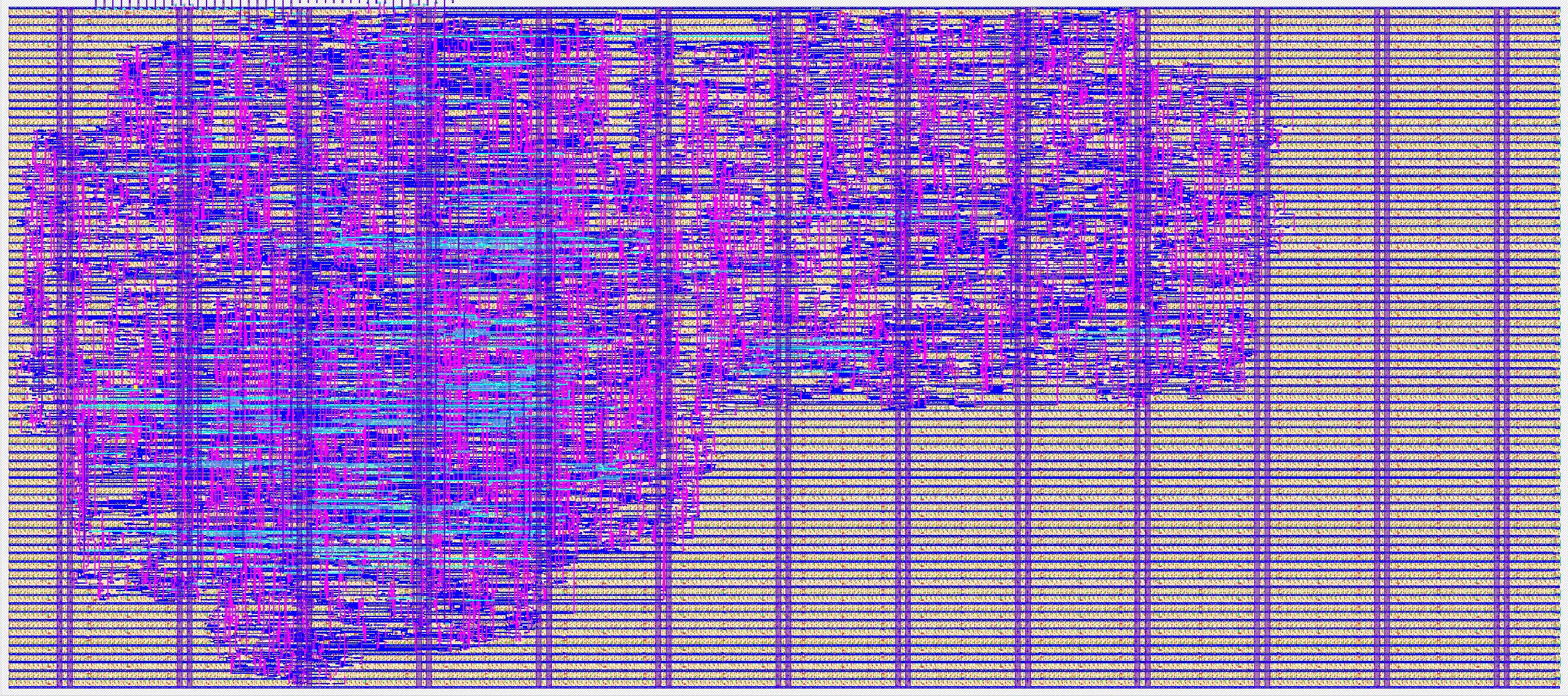
- Author: Michiel Vanzeir, Jonas Reynders
- Description: Play Pong against an AI opponent
- GitHub repository
- Open in 3D viewer
- Open in Tiny Tapeout Explorer
- Open in VGA Playground
- Clock: 25175000 Hz
How it works
The chip implements a Pong game where you can play against an AI opponent or a second player. This chip requires a VGA screen and Tiny VGA Pmod for displaying the content.
As a player you control your paddle and have two inputs, either you move your paddle up or move it down. When deactivate the 2-player mode you will controll the left paddle and the neural network the right. If no input is given the paddle stays still. You stay in the game by reflecting the ball with your paddle back to the opponent. The further the ball hits a paddle from its center the greater the angle of reflection of the ball wil be. Use this to your advantage to win against your opponent. If you score 10 points by bouncing the ball such that the opponent can't intercept it, you win the game.
The neural net's weights live in a shift register instead of being burned into the netlist, so the AI can still be retrained after the chip has been hardened. Hold input 6 (weight load) high and clock a new set of weights, MSB first, into input 7 (weight data) to reprogram it.
The different modules/functions used are: - pong_logic: defining the rules that make up the game Pong - paddle_reflection: giving the ball a different travel path when hitting one of the paddles - neural_net: controlling the right paddle when asked - render: telling what color each pixel needs - score_render: telling which pixels should be colored for displaying the score - wins_render: telling which pixels the word "wins" includes - blue_render: telling which pixels the word "blue" includes - red_render: telling which pixels the word "red" includes - VGA_sync: cycling through each pixel per frame - tt_um_neuropong: linking inputs/outputs between internal modules
How to test
For the input you need to connect two buttons to the VCC on the demo board and with input 0 (left paddle up) and input 1 (left paddle down). Same goes for the right paddle with input 2 (right paddle up) and input 3 (right paddle down). Also connect a button with input 4 (game reset) and a toggle switch with input 5 (right player enable). With the use of a Tiny VGA Pmod you can connect the output of the demo board to a VGA screen (640x480).
To reprogram the neural net, hold input 6 (weight load) high and drive 80 bits of new weight data, MSB first, one bit per clock, into input 7 (weight data).
Furthermore supply a clock signal of 25.175 MHz.
External hardware
- Tiny VGA Pmod
- VGA display (640x480)
- Two push buttons
IO
| # | Input | Output | Bidirectional |
|---|---|---|---|
| 0 | L_PDL_UP | R1 | |
| 1 | L_PDL_DOWN | G1 | |
| 2 | R_PDL_UP | B1 | |
| 3 | R_PDL_DOWN | VSYNC | |
| 4 | GAME_RESET | R0 | |
| 5 | R_PLAYER_ENABLE | G0 | |
| 6 | WEIGHT_LOAD | B0 | |
| 7 | WEIGHT_IN | HSYNC |